LinkedIn profile recommendations for job seekers
Turn your LinkedIn profile into a clearer signal for the roles and sectors you want next.
Improve my LinkedIn profile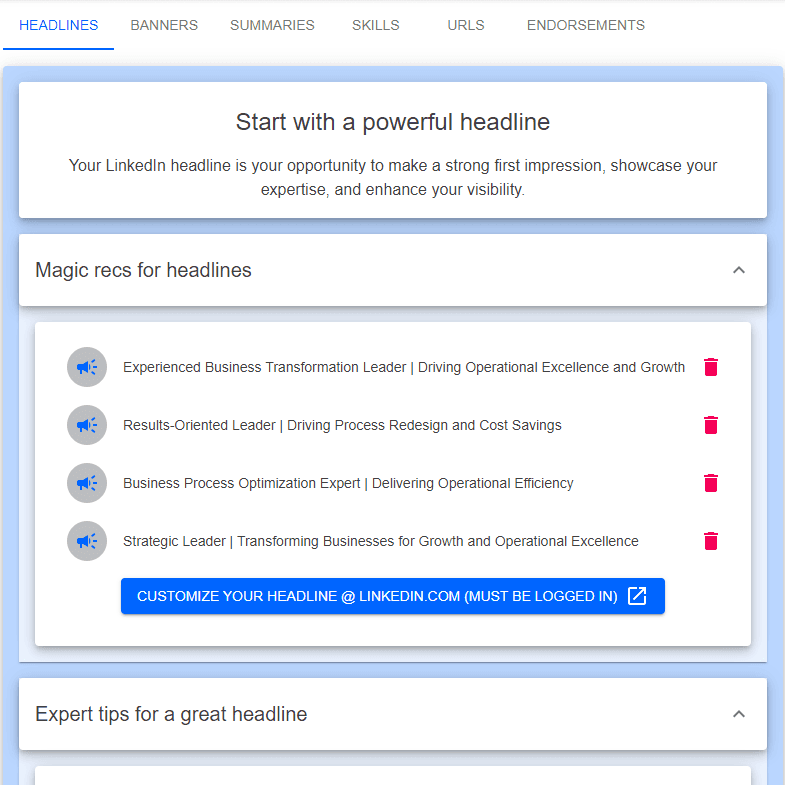
Start from your master resume and up to five tracked jobs
Get suggested headlines, About summaries, skills, and banner ideas
Align your profile with the opportunities you are pursuing
How linkedin profile recs fits into a real job search
Start with the real search context
Turn your LinkedIn profile into a clearer signal for the roles and sectors you want next.
Start from your master resume and up to five tracked jobs
Get suggested headlines, About summaries, skills, and banner ideas
Align your profile with the opportunities you are pursuing
HiringCoachAI keeps this work connected to the surrounding search so it can support applications, networking, interviews, and follow-through instead of living as a one-off draft.
Common questions
Do I need to connect my LinkedIn account?
No. HiringCoachAI never signs in to LinkedIn or edits your profile. Recommendations come from your master resume and the tracked jobs you select, and you paste the suggestions into LinkedIn yourself.
Is this only for one industry?
No. The guidance is useful for career changers, public-sector professionals, nonprofit leaders, and private-sector applicants.
What to bring
Bring the real material you are already using in the search: a resume, a role, a contact, a target sector, or the next conversation you need to prepare for. The workflow is strongest when it has concrete context to work from.