Client work
Availability, booking links, and a full calendar
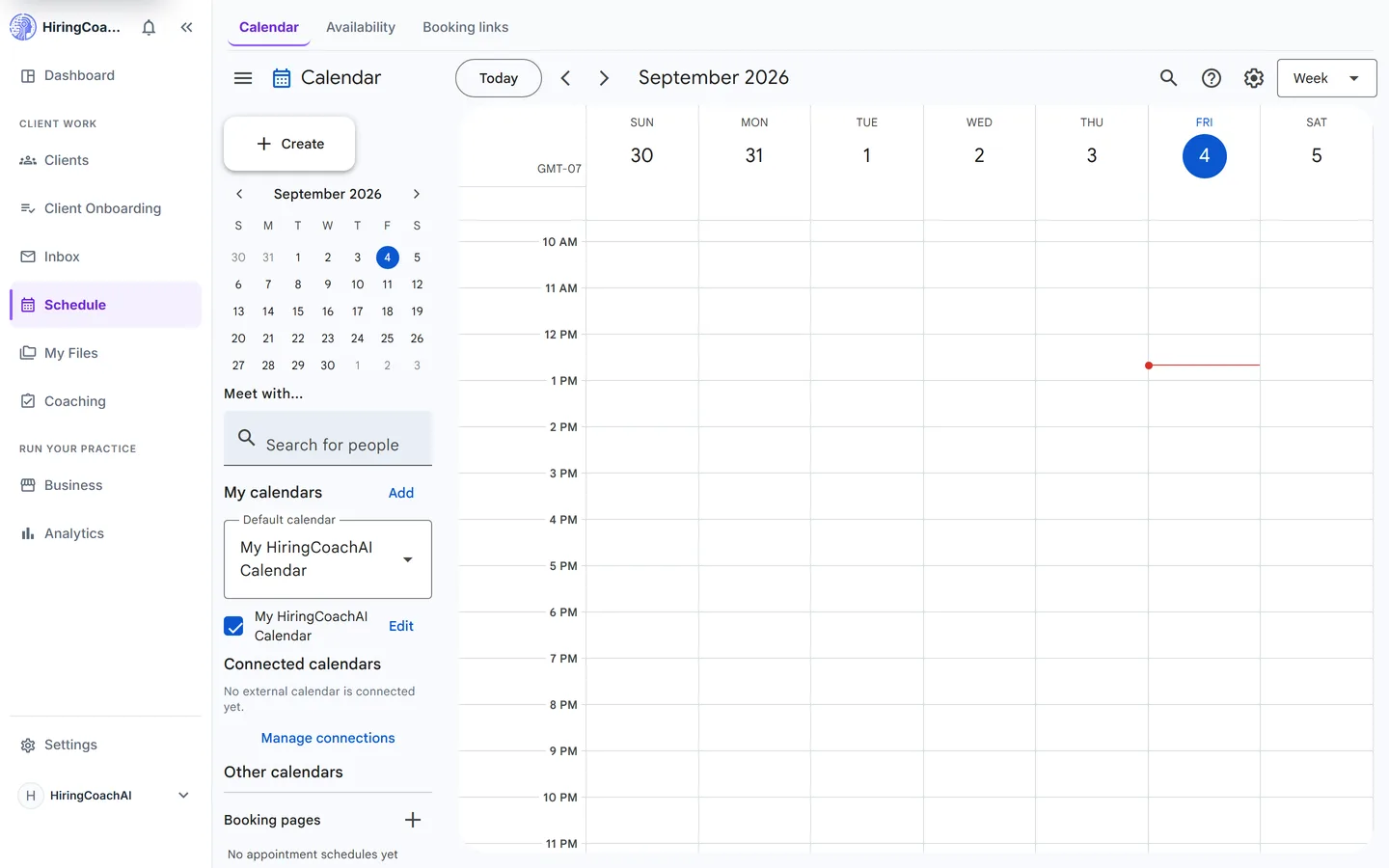
Schedule holds a calendar workspace, the availability rules behind it, and shareable booking links. Clients pick an open time, and confirmed appointments can flow to your Google calendar.
Every request is reviewed and we follow up by email.
What you can do with Schedule
A calendar built for the work
Day, week, month, year, agenda, and four-day views. Click an empty slot for quick create, double-click for the full editor, and drag to set a time with a snapped preview.
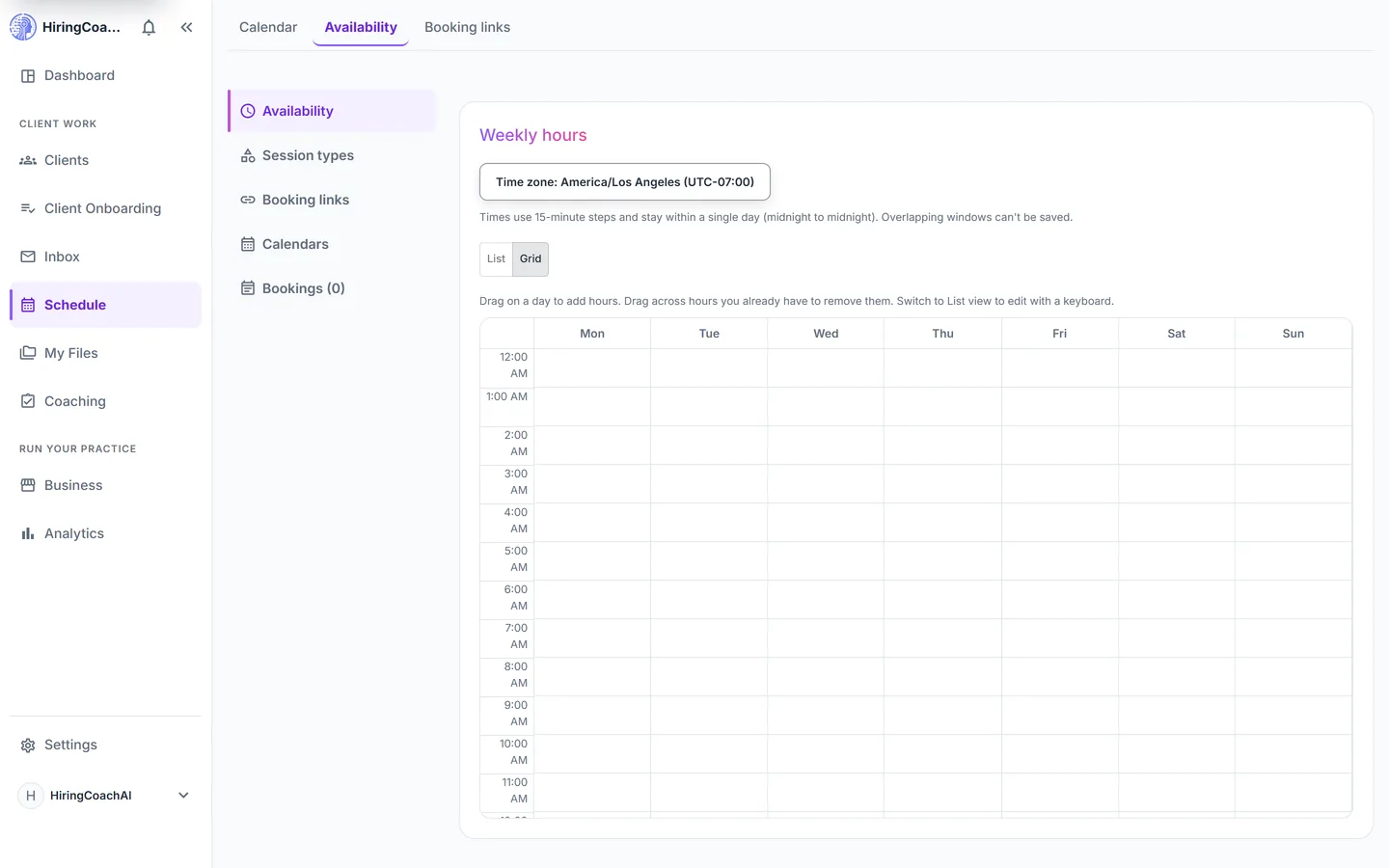
Rules that protect your week
Set weekly hours, override single dates, block a day, require a minimum booking notice, and add buffers before and after sessions. Changes save as you make them.
Booking links people can use
Publish a link that is open to anyone, scoped to one client, or limited to specific session types, so someone books an open time instead of trading three messages with you.
Connect the calendar you already keep
Connect one Google account, choose which calendars block your availability, and pick where confirmed appointments land. You can also publish a private read-only feed for Apple Calendar or Outlook.
Book it yourself when you need to
Create a booking for a client from the bookings list, including a recurring series, and retry adding any booking to the connected calendar from its row.
Why it matters for your practice
No scheduling ping-pong
A booking link only offers times your own rules already allow, so a session gets booked without a thread about it.
Your outside commitments count
Calendars you mark as busy block booking times, so client bookings do not land on top of the rest of your life.
One grid for every session
Bookings, coaching tasks, and events you create render together in your configured display time zone.
How it connects to the rest of HiringCoachAI
- Clients
Booked sessions appear on the client's Sessions tab, and events link back to the relationship they belong to.
- Client Onboarding
An onboarding flow can end on a scheduling step that puts the first session straight on your calendar.
- Dashboard
Sessions booked for today are counted on the dashboard with a link to prepare for each one.
Bring your coaching practice into HiringCoachAI
Every request is reviewed and we follow up by email.