Client work
Build the first two weeks once, then reuse it
Client Onboarding is a flow builder. Sequence agreements, payment, intake forms, welcome materials, homework, scheduling, and messages once, then run every new client through it.
Every request is reviewed and we follow up by email.
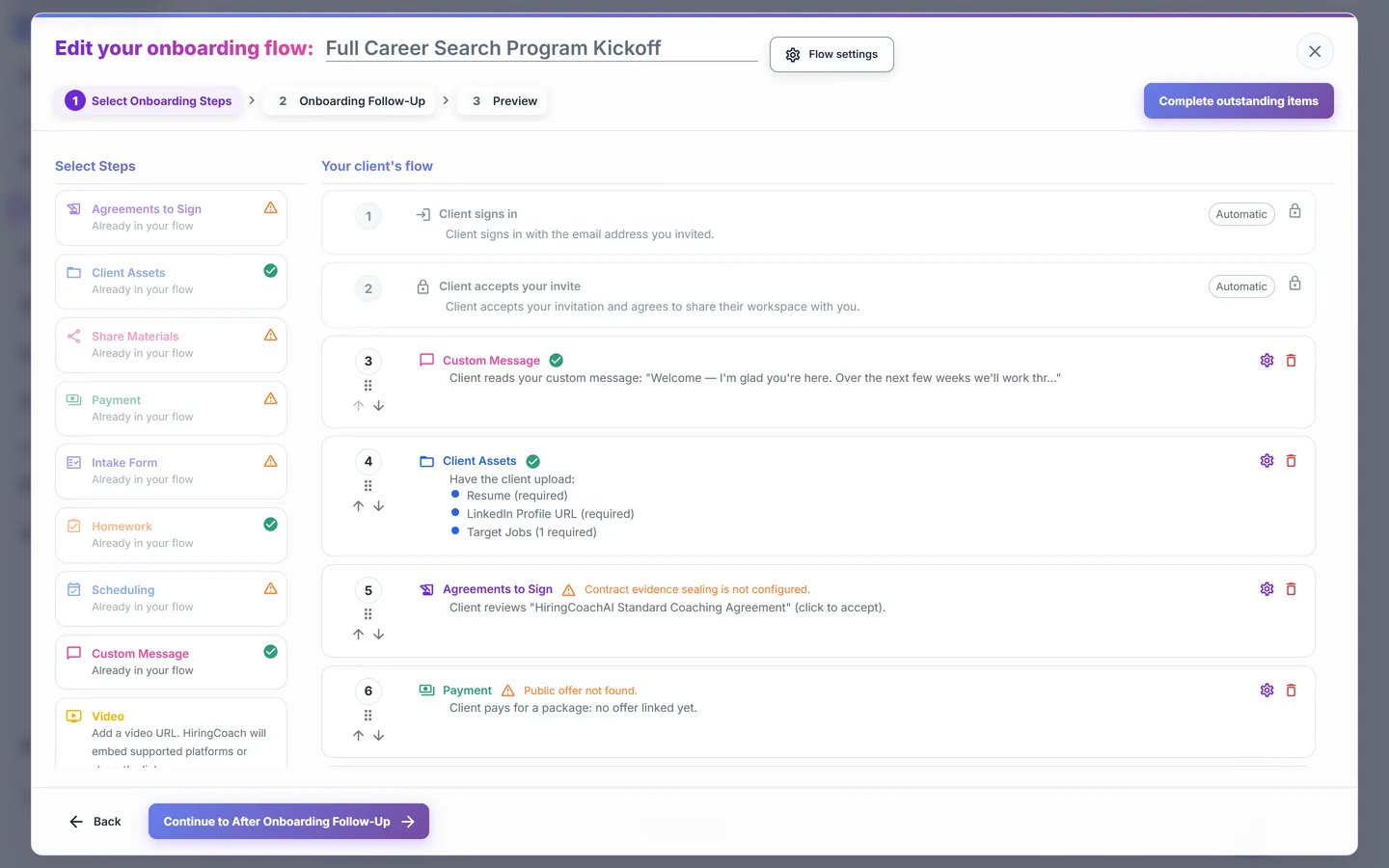
What you can do with Client Onboarding
Nine step types, in your order
Add client asset upload, share materials, agreements to sign, payment, an intake form, homework, scheduling, a custom welcome message, and video. Drag to reorder, or use the manual controls.
Start from a template or a document you already use
Build from scratch, start from a curated template, copy a flow you already run, or draft one from an uploaded packet or a written description. The manual builder is always there if AI drafting is unavailable.
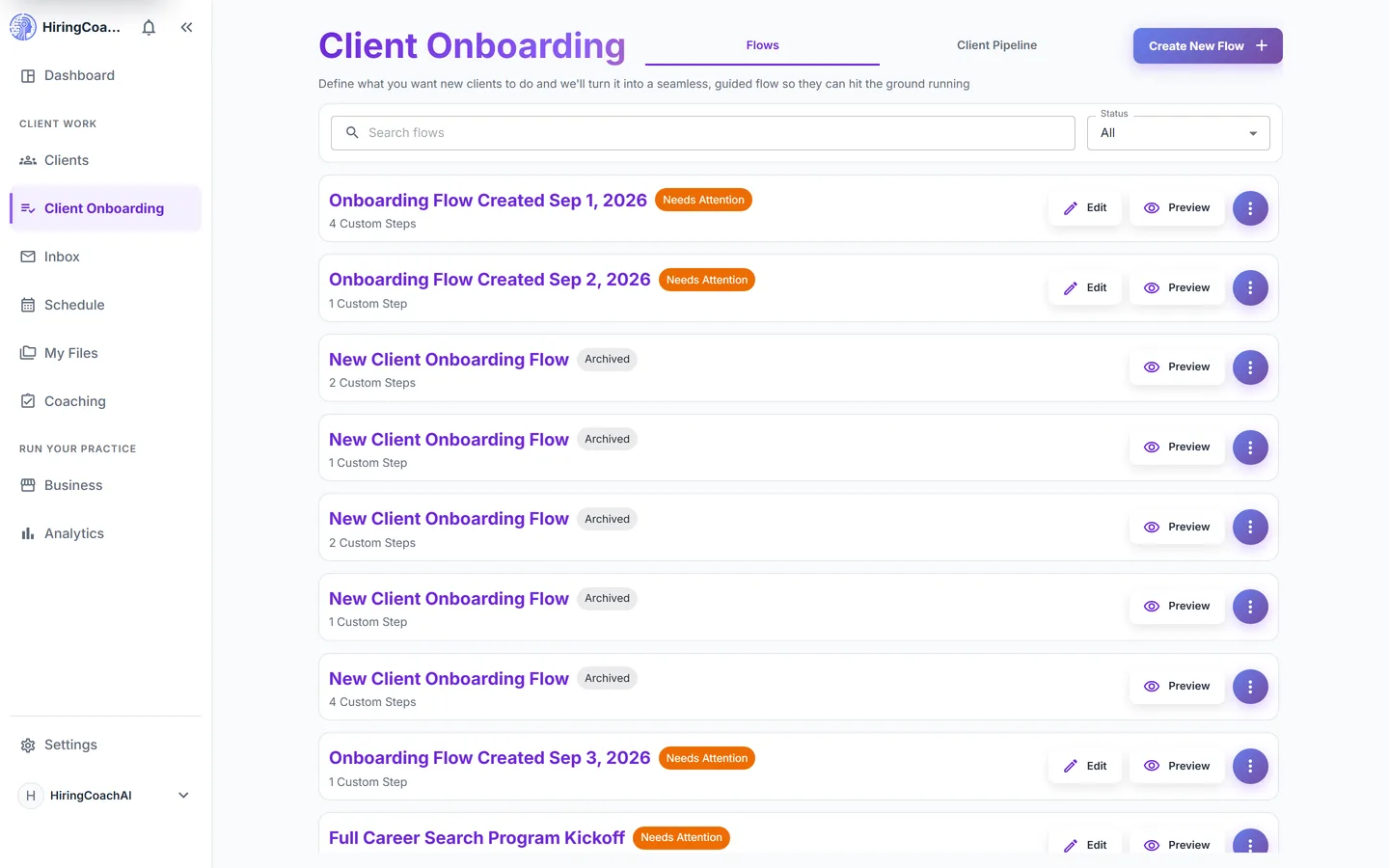
Check readiness before it goes live
A readiness check flags missing setup as blockers and softer issues as warnings. Publishing stays blocked until the blockers clear, so no client meets a half-configured step.
Preview it as the client
A built-in walkthrough renders the exact client-facing steps, so you move through your own flow before you publish it.
Watch every run
The Client Pipeline tab shows invited, started, accepted, and finished counts per flow, the most common drop-off step, and each active run grouped by the step it is sitting on.
Why it matters for your practice
A repeatable start
Clients in a flow follow the steps you configure, without you rebuilding it.
Fewer chasing emails
Optional reminder emails and follow-up messages run on the schedule you set, and you can pause reminders on a single run.
You see where people stall
Funnel counts and the most common drop-off step show you which step to rewrite instead of guessing.
How it connects to the rest of HiringCoachAI
- Clients
Finished runs hand the client to your roster with their intake answers, agreement, and materials already in place.
- My Files
Welcome documents and folders are pinned from My Files, either shared live or copied into the client's own space.
- Business
The payment and agreement steps draw on the offerings and agreement templates you set up under Business.
- Coaching
A flow can hand out a published intake survey and a first assignment from your libraries automatically.
Bring your coaching practice into HiringCoachAI
Every request is reviewed and we follow up by email.