Client work
Client conversations in a real mailbox
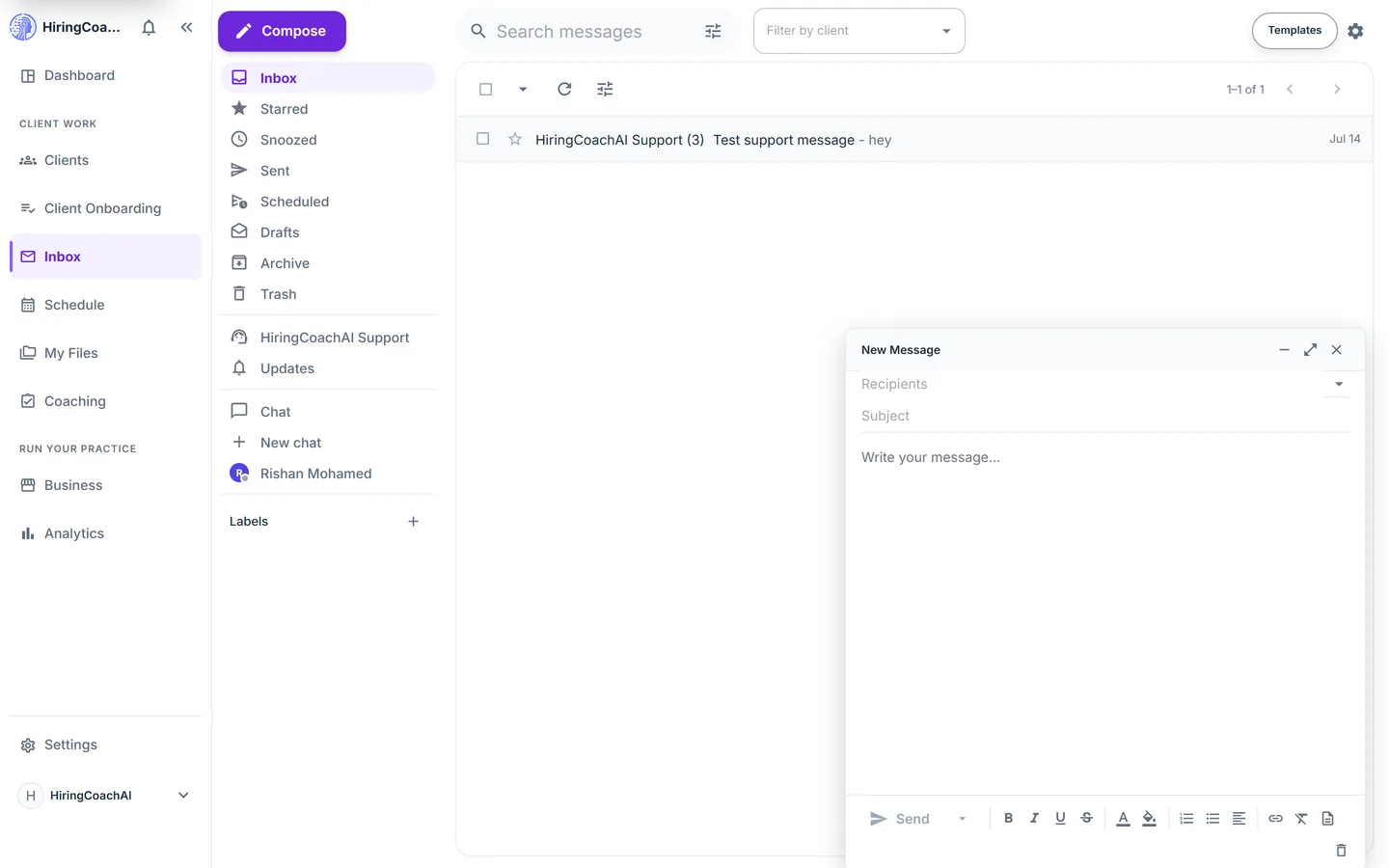
Inbox is a full mailbox for client messages, with threads, labels, saved templates, scheduled sending, and snooze. Platform updates and support sit in their own scopes, away from client mail.
Every request is reviewed and we follow up by email.
What you can do with Inbox
The mailbox actions you expect
Star, archive, delete, mark read or unread, and snooze conversations one at a time or as a bulk selection. Snooze takes a preset or a custom date and time.
Write once, reuse often
Save reply templates with a name, subject, category, and rich text, then insert one into any message. Drafts save on their own and reopen still tied to their thread.
Send on your schedule
Schedule a message for tomorrow morning, Monday, or a time you pick. An undo window you set gives you a few seconds to pull a message back after you send it.
Keep client mail apart from everything else
Nested, color-coded labels organize threads, a client filter narrows the whole mailbox to one person, and platform updates and support each get a scope of their own.
Make it yours
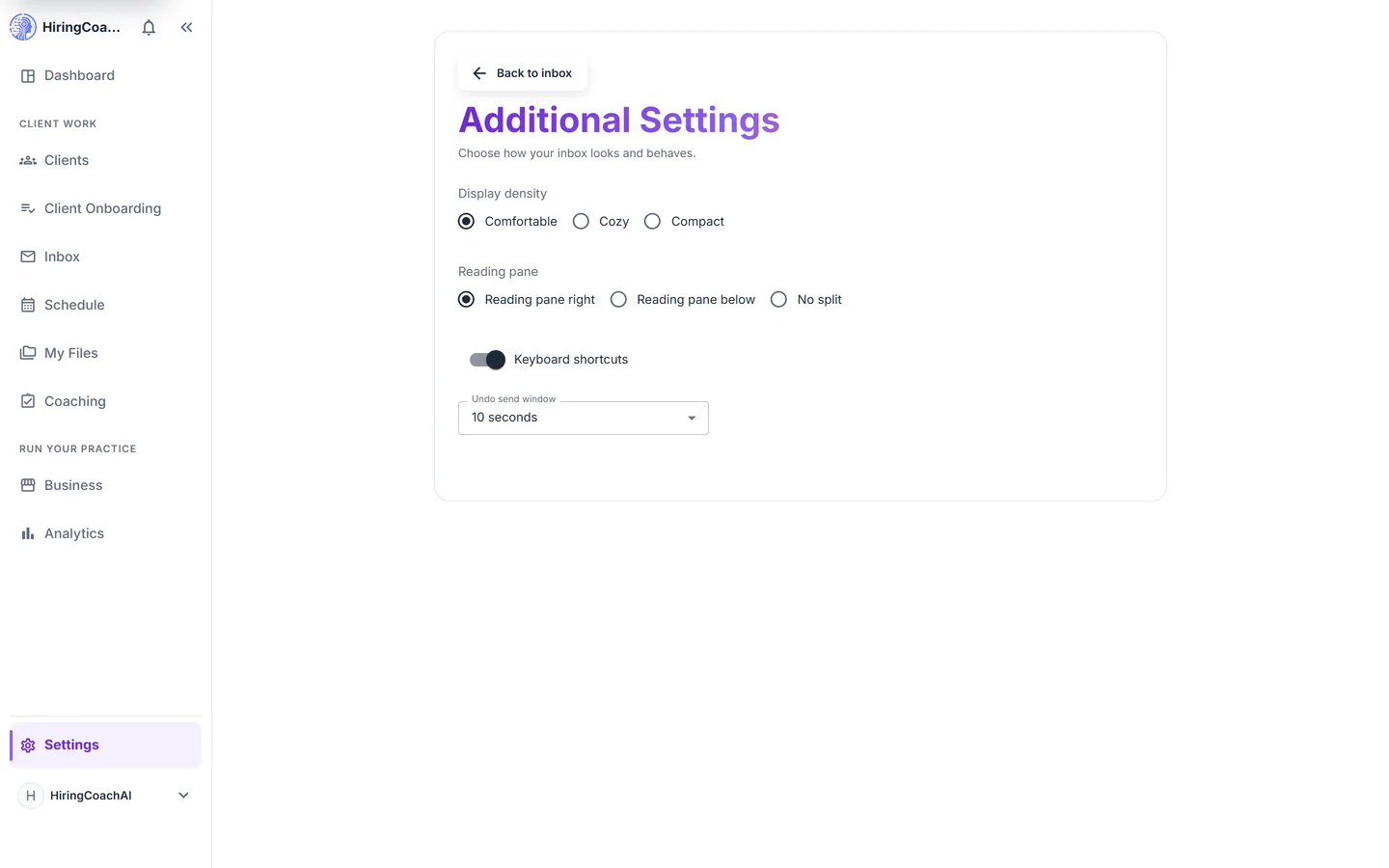
Choose the reading pane position and list density, switch keyboard shortcuts on, and set the undo send window from a settings page of its own.
Why it matters for your practice
One place for client mail
Client conversations stop competing with the rest of your email, and they stay attached to the relationship they belong to.
Faster repeat replies
Templates and scheduled sending turn the messages you write every week into a few clicks.
A quieter list
Snooze, labels, and archive keep the list down to what is live, without deleting anything you might need later.
How it connects to the rest of HiringCoachAI
- Clients
Filter the whole mailbox to one client, and the same threads appear inside that client's workspace.
- Dashboard
Unread client messages carry a count in the sidebar and feed the attention signals on the dashboard.
- My Files
Documents you want a client to read live in My Files and are shared from there rather than sent as attachments.
Bring your coaching practice into HiringCoachAI
Every request is reviewed and we follow up by email.